Core Logging Software for Mineral Exploration Your Drill Data Shouldn't Live in Nine Copies of a Spreadsheet.
Blue Butterfly is core logging and geological data management software for exploration teams. One database. Works offline. Set up by a geologist in an afternoon, not a technology consultant over a week.
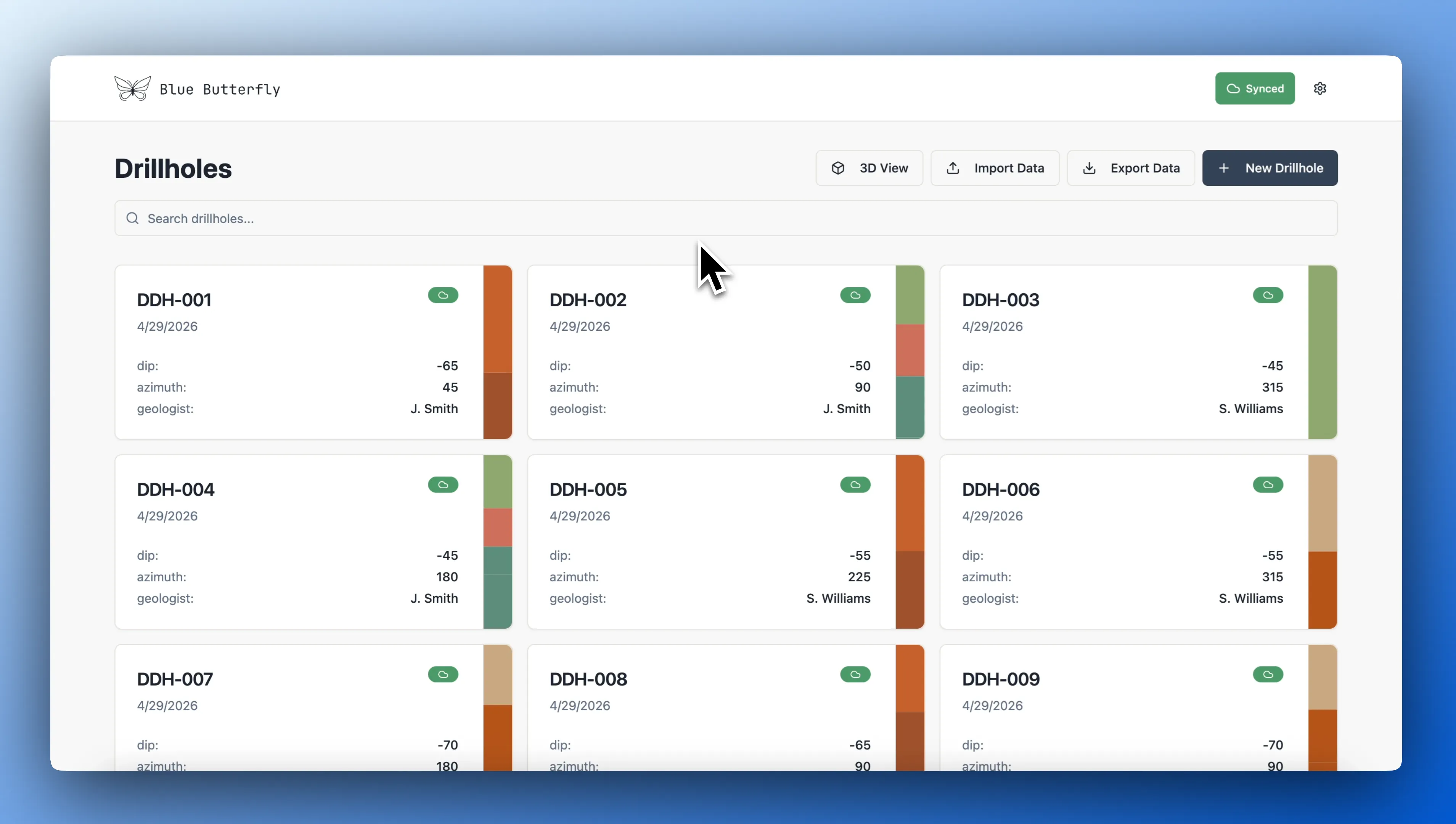
Geological Data You Can Trust
Every record is validated at the moment of entry. Overlapping intervals, mismatched codes, and missing required fields are caught in the field, not six months later when they surface in your resource model.
Set Up in Hours, Not Weeks
Industry-standard templates let you configure collar, interval, and survey tables before your first hole is collared. No IT ticket, no SQL, no consulting retainer. If you can set up Leapfrog, you can set this up.
Built For Your Modeling Workflow
Define your Leapfrog column mapping once. Run it every time your data updates. CSV and XLSX output for ArcGIS, Datamine, and Micromine. No reformatting, no Excel in the middle.
Your team is logging on day one.
Start a Project in Minutes
Choose an industry-standard template or build your own. Define collar fields, interval tables, and validation rules. No database administrator, no IT ticket. Done before lunch.
Log in the Field, Online or Off
Data is written to local storage instantly, then synced to the shared cloud database automatically. Offline sites, satellite connectivity, no internet for two days. None of it stops logging.
Catch Errors at the Source
Overlapping intervals, out-of-range values, and missing codes are flagged as they're entered. Fix the problem in the field, not in the office three weeks later when someone notices the assay results don't match the lithology.
Export Directly to Your Modeling Software
Define your Leapfrog column mapping once. Run it any time you need a fresh export. Pre-formatted collar, survey, and interval files. No Excel in the middle.
What actually changes when your
team switches to Blue Butterfly.
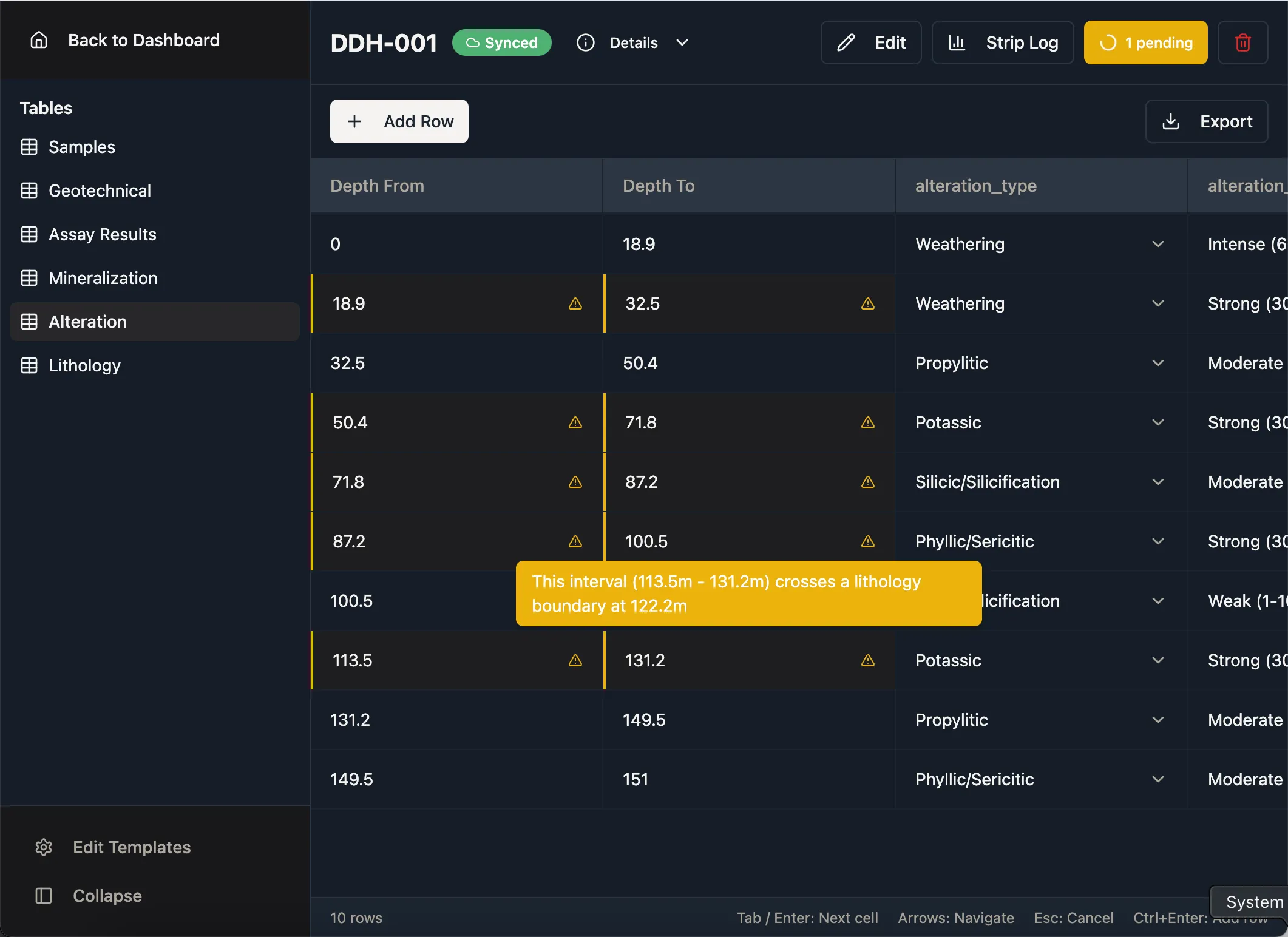
Offline-First Sync
Every change is saved locally the moment you make it, then synced to the cloud automatically the moment connectivity returns. Intermittent satellite connectivity at a remote site is no longer a data-loss risk.
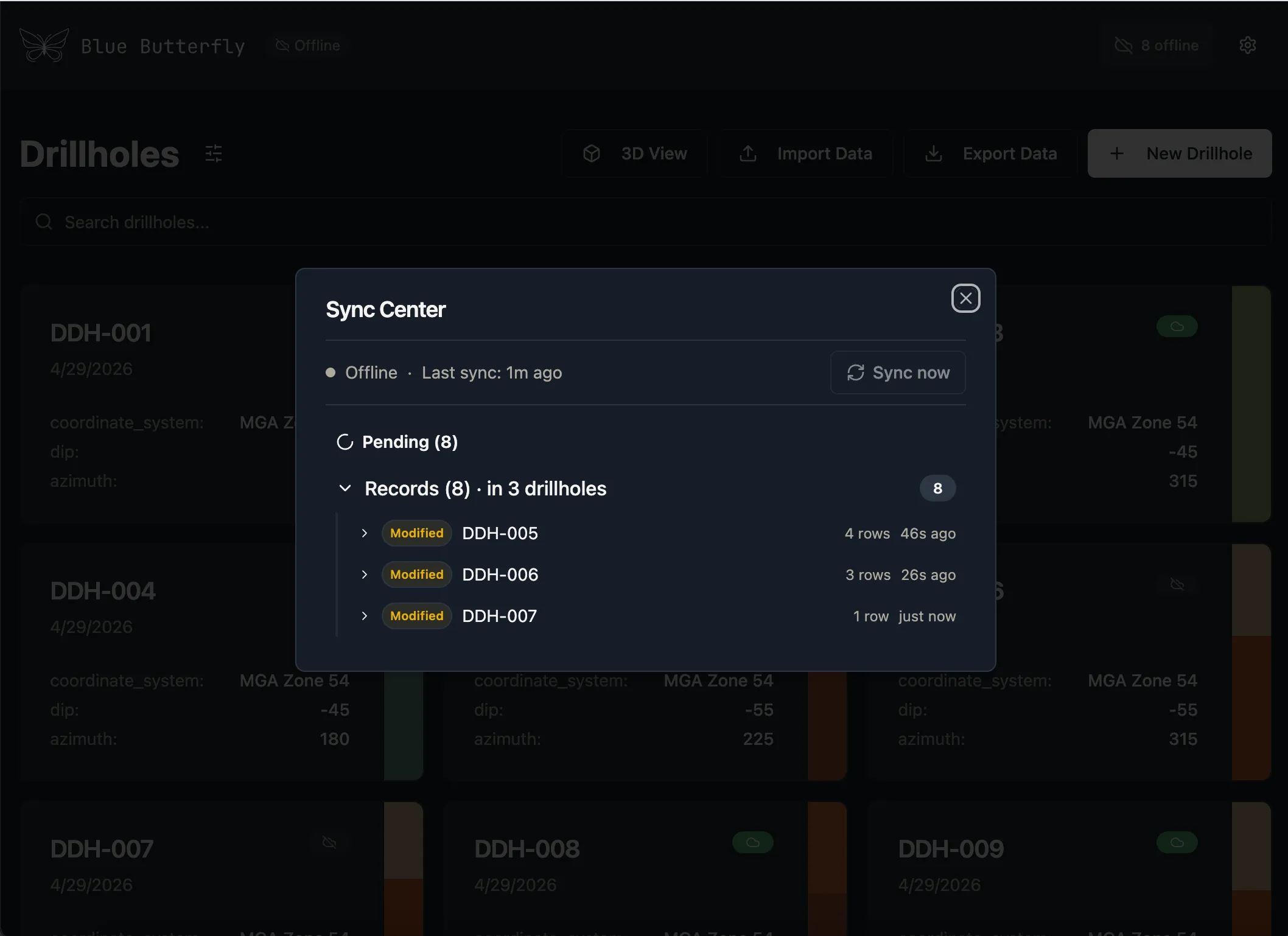
Live Data Validation
Overlapping intervals, out-of-range values, and missing required fields flagged in real time, as you type, not after export. Fix problems in the field, not the office.
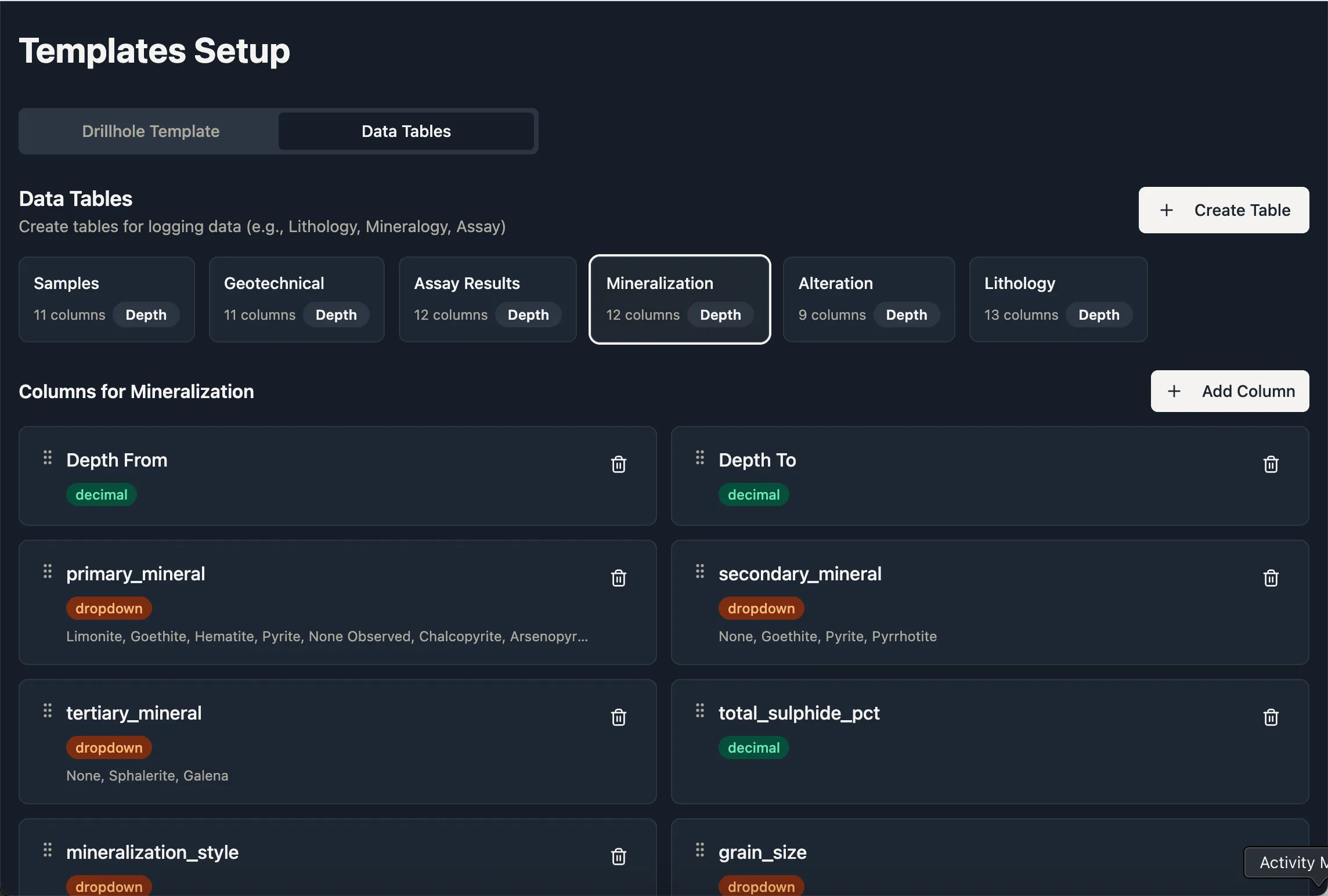
Simple Template Setup
Industry-standard presets ready to use. Build your own in minutes. No database administrator, no week-long configuration, no manual to read.
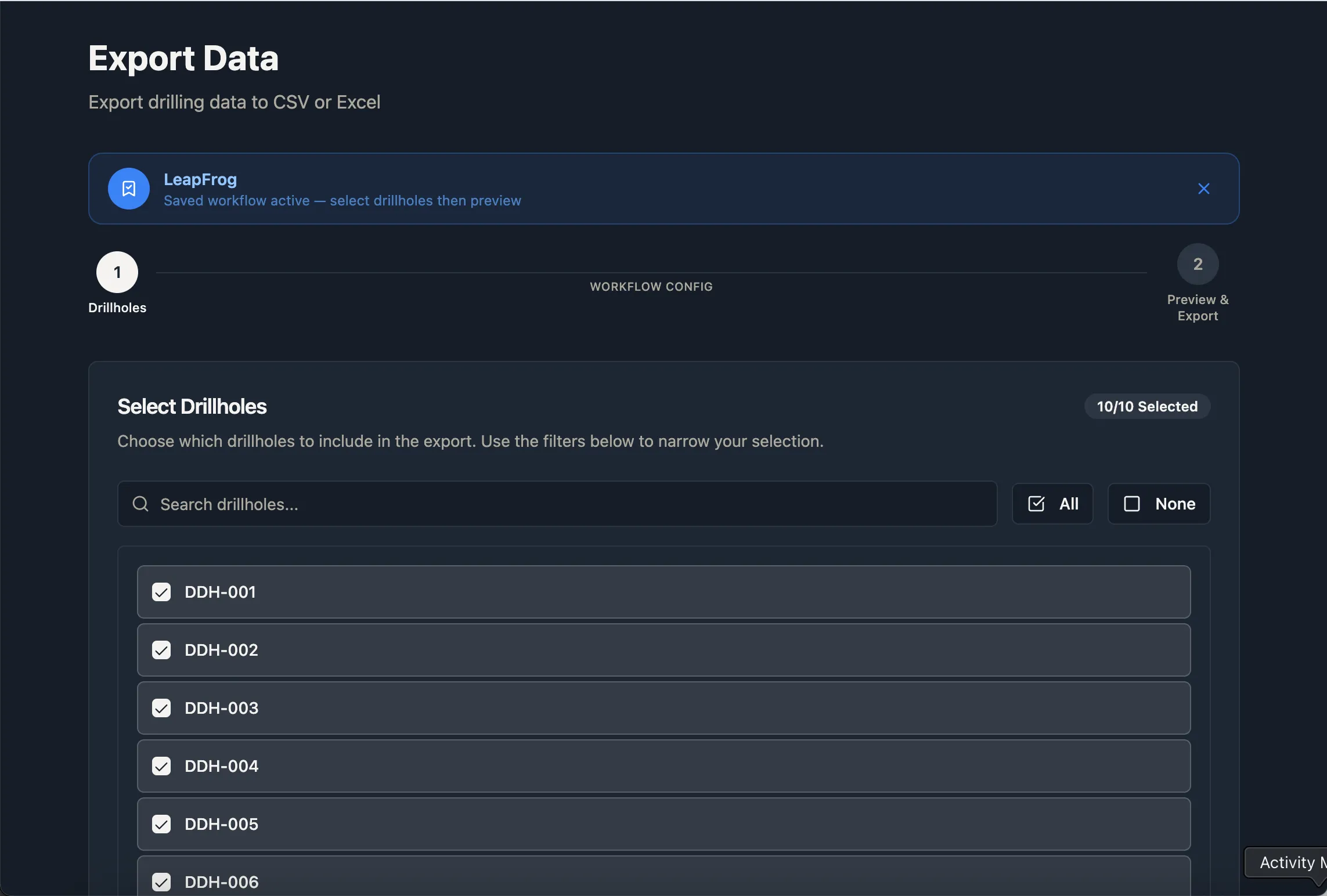
Saved Export Workflows
Configure your column mapping and sheet structure once, save it as a named workflow, and run it any time you need a fresh export. Output pre-formatted for Leapfrog import.
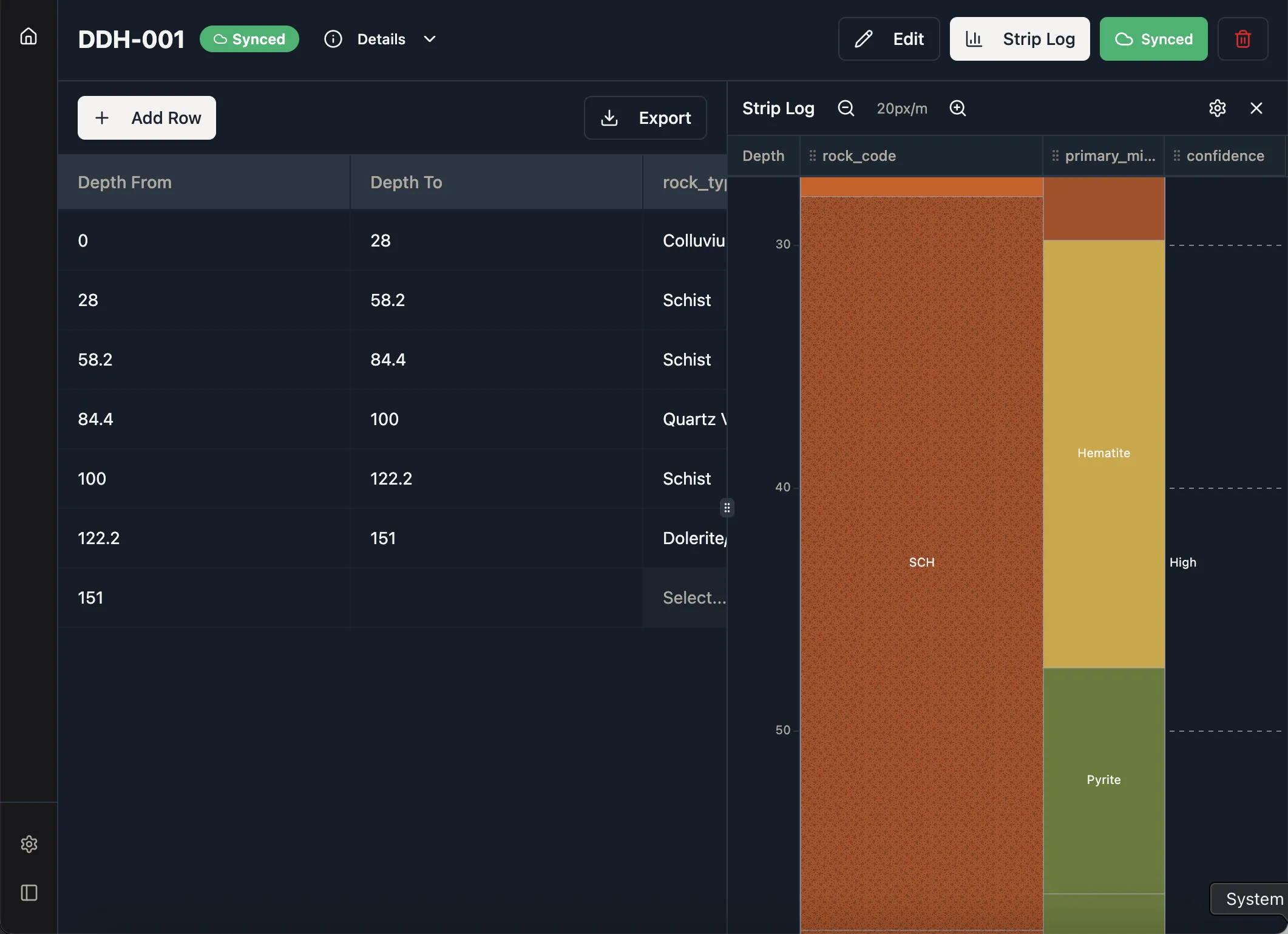
Built-In Strip Logs
Professional strip logs generated directly from your logged data. No additional licence, no separate application. Suitable for management reports, government submissions, and investor presentations.
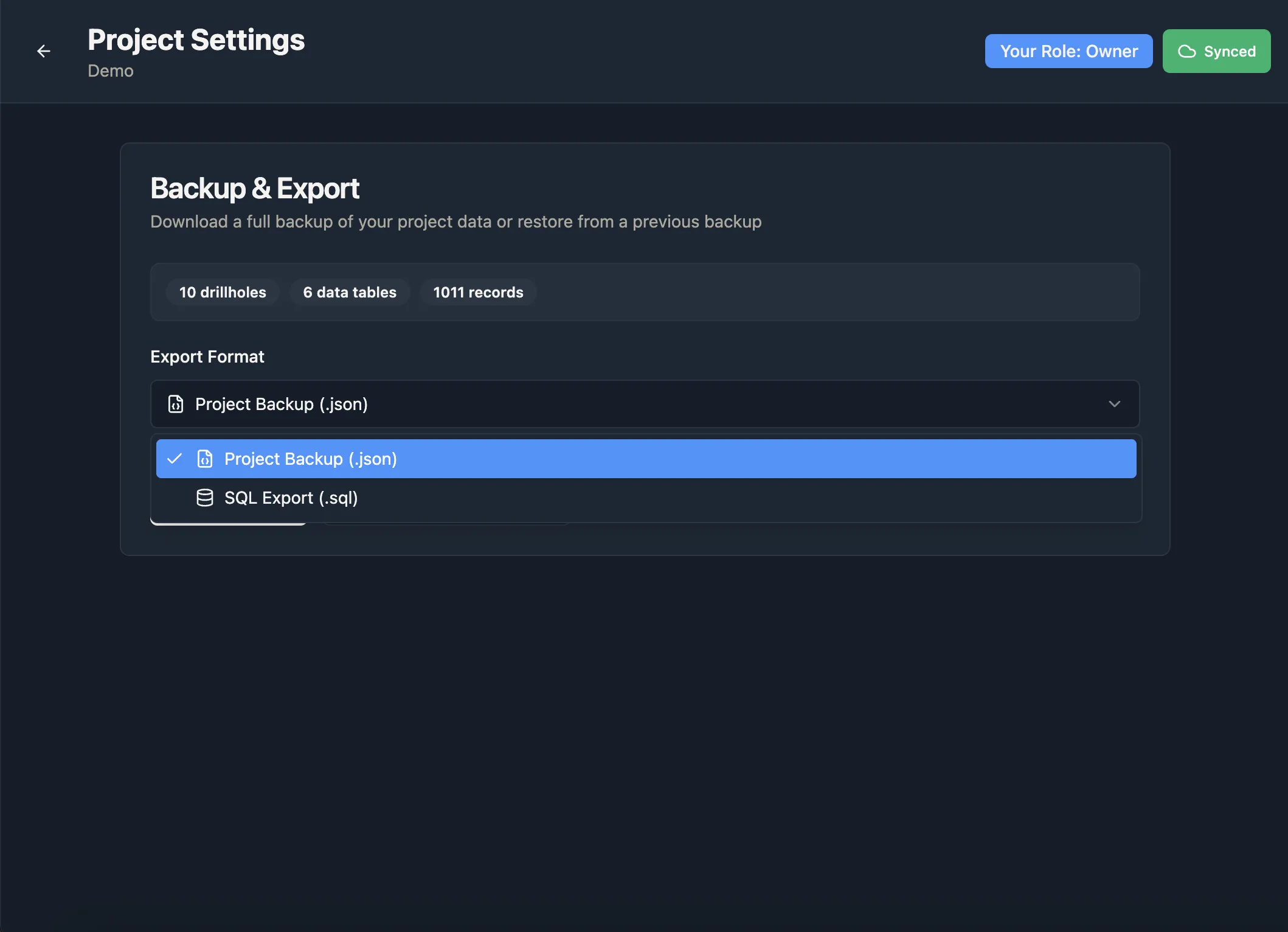
Full Data Portability
Download a full project backup as JSON or a portable SQL dump at any time. Your data is never held hostage by a subscription.
The ones we hear most.
What is Blue Butterfly, and who is it for?
Blue Butterfly is geological core logging and database management software for exploration geologists at junior and mid-tier mining companies. If you're managing drill hole data in Excel, dealing with version conflicts in legacy geo-software, or spending hours reformatting data before every Leapfrog import, Blue Butterfly is the fix. Every geologist gets their own account and works against a single live cloud database, online or offline. Validation rules catch errors at the moment of entry. Export workflows pre-format your data for Leapfrog, ArcGIS, and Datamine with no Excel in the middle. Strip logs generate directly from your logged data. No database administrator, no IT ticket, no week-long setup. Most teams are logging on day one.
Can I log core data without an internet connection?
Yes. The app stores data locally in the browser and syncs to the cloud automatically in the background. You can log full days of data with no internet connection; the sync queue processes the moment connectivity returns. This is designed specifically for remote exploration sites where satellite connectivity is intermittent. Note: the initial app load requires an internet connection; after that, it runs offline.
Do I need an IT team, database admin, or implementation consultant to get started?
No. Blue Butterfly is designed so geologists can configure and manage it themselves. No SQL knowledge required, no server to provision, no IT ticket, no consulting retainer. If you can set up a project in Leapfrog, you can set up Blue Butterfly. The same specialist who would spend a week configuring enterprise geo-software can have a working project in Blue Butterfly before lunch.
Can two geologists log data on the same project at the same time?
Yes. Every team member works against the same live cloud database. There are no separate files to merge, no export-then-import steps, and no version conflicts from two people logging simultaneously. When both are online, changes appear across all sessions within seconds. When one is offline, their changes sync automatically the moment connectivity returns, without overwriting anyone else's work.
How do I export drill hole data to Leapfrog?
Configure your column mapping once, linking Blue Butterfly fields to the column names Leapfrog expects, and save it as a named export workflow. Any time you need a fresh export, run the workflow and you get pre-formatted collar, survey, and interval files ready to import directly. No intermediate Excel step, no reformatting, no manual column renaming each time.
How does Blue Butterfly prevent data entry errors?
Validation rules fire at the point of entry, before data is written to the database. Dropdown columns constrain values to a predefined list, eliminating mismatching lithology codes and inconsistent terminology across your team. Numeric fields enforce min/max bounds. Depth from/to logic prevents overlapping or inverted intervals. Required fields block record submission if critical data is missing. Errors surface immediately in the field, not six months later when they appear in your resource model.
Be first in
the ground.
We're onboarding a small group of exploration geologists to test Blue Butterfly on live projects. Early testers shape the roadmap and get access before general release.
- Free during beta; per-project pricing (not per-seat) announced before GA
- Direct line to the team; your feedback drives development
- Locked-in rate when pricing goes live
Reserve your spot
No spam. We'll reach out personally when a spot opens.